Changing a Shift Duration
- From the Home page, click the Main Menu icon and select Schedule and choose Current Schedule. If necessary, set the appropriate time period and set of employees.
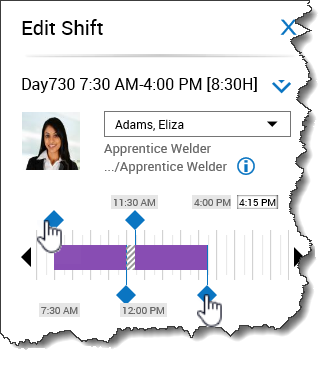
- Double-click the shift you want to modify.
- From the Edit Shift slider, drag a diamond to the line that represents the new shift start time or end time. Alternatively, you can click in the Start Time and/or End Time fields and enter a new start and/or end time.
- Click Apply.
- Click Save.
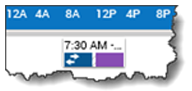
- Note: A shift with a partial transfer appears in the schedule with two colors and a double-arrow.