Approving Your Timecard
From the
Home
page, tap
Timecard
.
Tap the right-facing arrow to view
My Timecard
.
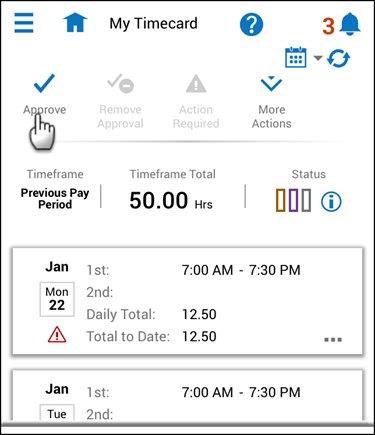
Confirm you are viewing the
Previous Pay Period
.
After reviewing your time data, tap
Approve
.
To return to the Home page, tap the
Home
icon.